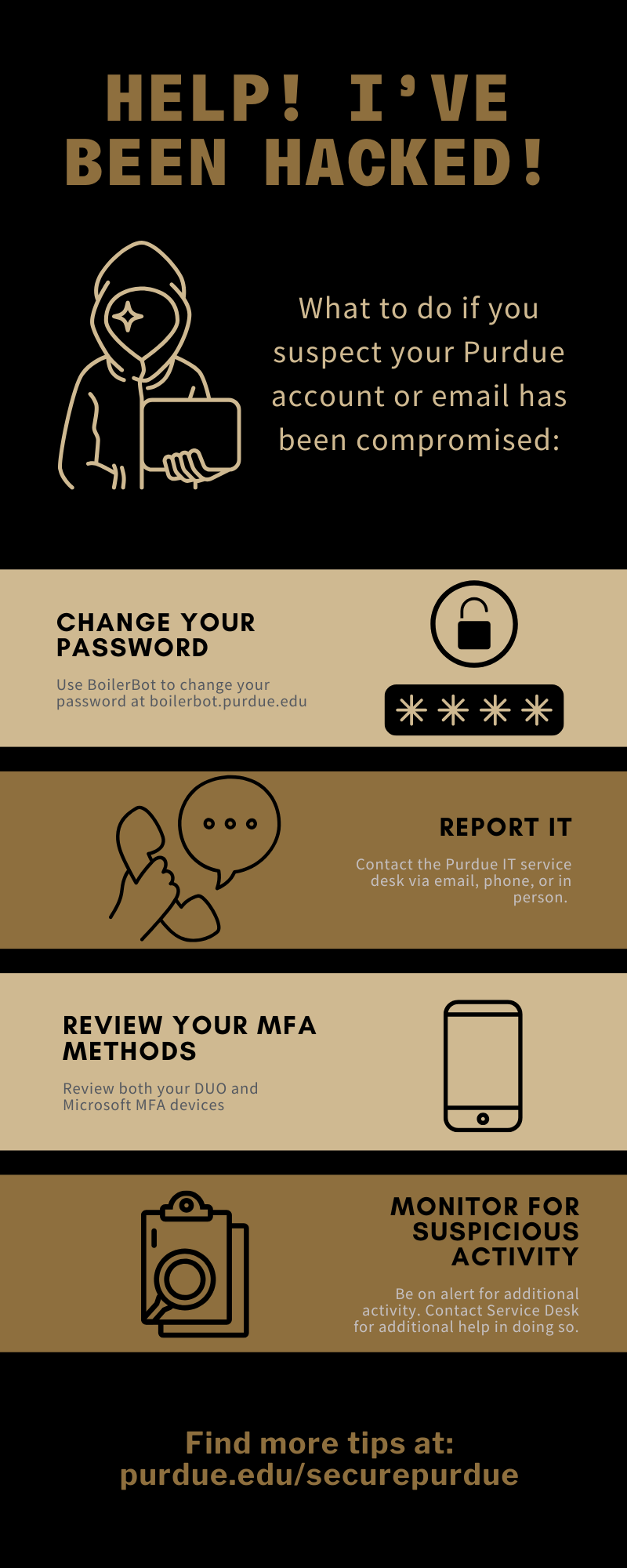
What to Do if You Suspect Your Account Is Compromised
Change Your Password
If you suspect your Purdue career account or email has been compromised, change your password- Users can visit Change Career Account Password to change their password.
- Additional options are available and can be reviewed within the IT Service Knowledge Base
Report It
- Report a suspected compromised Purdue career account or email immediately to the Purdue IT Service Desk. You can forward the email to abuse@purdue.edu for the security team to review, or use the Report Message button within Outlook
- If you suspect a personal account has been compromised, check the account documentation to find out how to report the compromise.
- Ex. Grandma’s Facebook account likely shouldn’t be asking for Bitcoin and Steam Gift cards. Contact Facebook’s support team to report the account
- If you suspect a coworker or team member is compromised, please contact them via a known and trusted communication channel.
- Ex., if the head of your department reaches out via an unknown email address asking for immediate assistance, do not reply directly to the email. Move the conversation over to a previously established communication channel.
Review your MFA Methods
Multi-Factor Authentication (MFA), also known as two-factor authentication, helps prevent account compromises. MFA requires someone to have more than a password to access your account. Often described as something you know and something you have, i.e., you know your password and have your phone/token. Two-factor authentication is required for the majority of Purdue IT systems and email and is automatically turned on for accounts.- Review your Microsoft MFA methods/devices for email and recent sign-ins (https://mysignins.microsoft.com/).
- Report and deny any suspicious sign-in attempts (unauthorized Microsoft MFA prompts) or unknown MFA devices
Monitor for Suspicious Activity
- Check your Email Inbox Rules. Hackers can add additional mailbox rules to hide their activity and prevent you from knowing they are in your account
- Also check your Sent and Trash folders for any activity you do not recognize
- Oftentimes, compromised Purdue accounts are used to compromise other accounts, so if anyone contacts you with questions, please direct them to the Purdue Service Desk
- If your email was hacked, review what kind of content was visible in your email. Ex: Is there sensitive or personal information visible such as PUID, SSN, bank information, invoice information, or internal Purdue processes that an attacker could have easily accessed while the account was compromised? If so, contact the Purdue IT Service Desk.
- Employees, if your password and MFA devices were compromised, review your bank information in your payroll system. The majority of compromises are motivated by the potential for financial gain.
- Review your file storage, such as SharePoint and your OneDrive, for new or unknown files your account may have created. Attackers have been known to compromise additional accounts by using known and trusted collaboration tools.
- If you find any files, please delete them and contact the Purdue IT Service Desk.
- Scan any devices you use to access your email for malware.
For additional phishing tips, please visit our Phishing Resources page.
- Forms and Resources
- Forms
- Recognizing and Stopping Phishing Scams
- Account Hacked
- Security Checklist
- Purdue Career Account Lifecycle
- Common Best Practices
- Mobile Devices Security Best Practices
- Password Tips
- What to do with a new computer
- Remote Viewing and Controlling of Workstations
- SPAM Filtering
- Spyware
- Personal Identity Theft
- When You Travel
- Indiana Breach Notification