Remediating Content Outside of Brightspace with DocHub
General Information About DocHub
The Panorama DocHub tool extends Panorama’s functionality beyond Brightspace, allowing users to access it without a Brightspace account. As a result, both students and staff who do not have Brightspace access can use the tool to remediate content.
DocHub provides users with intuitive folder structures for organization, powerful filtering capabilities, and the same comprehensive remediation guidance that Panorama provides, without needing access to Brightspace.
To log in to DocHub
- Navigate to https://purdue.panorama.yuja.com/login and select SAML-Single Sign on in the drop-down menu and click Sign In with SSO
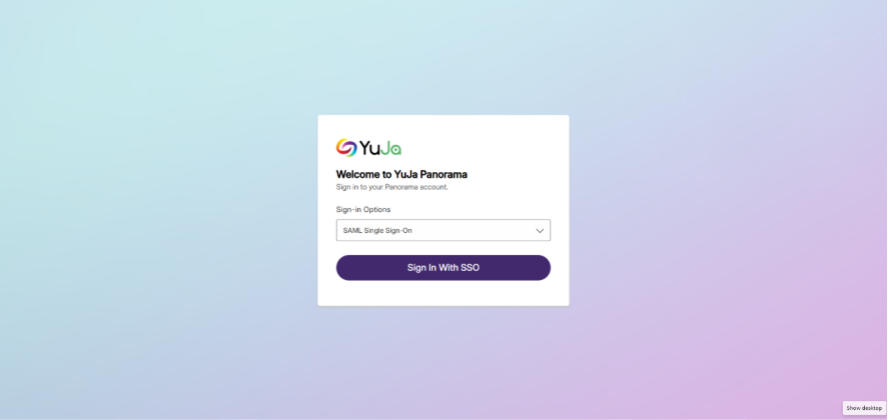
- Log in with your Purdue credentials.
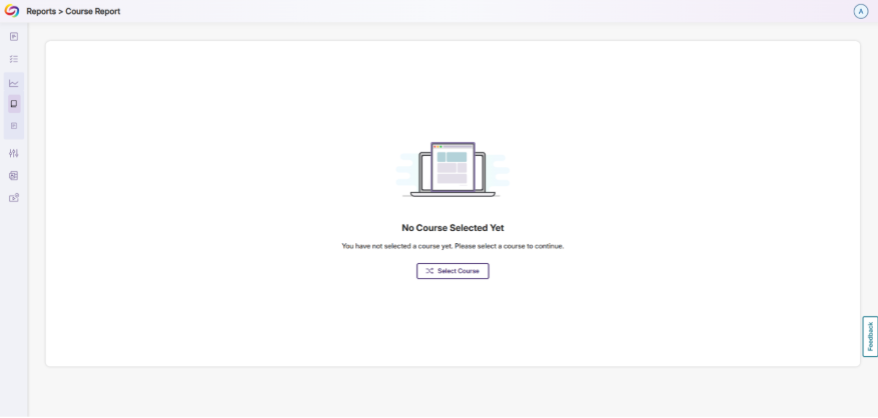
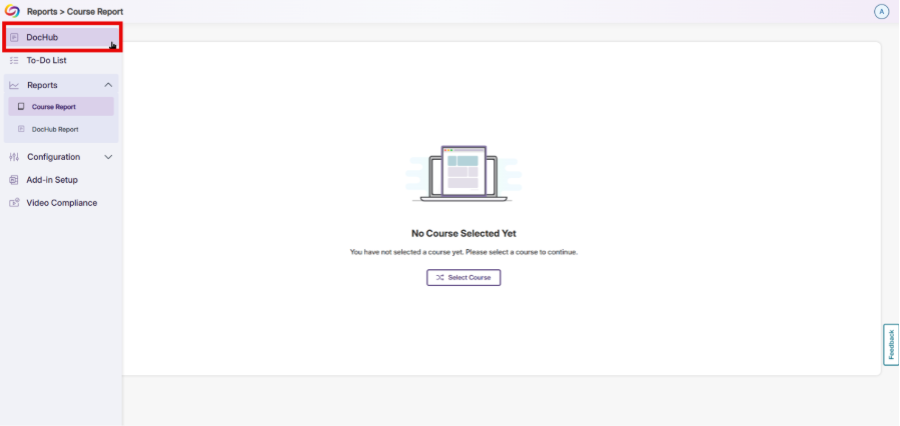
- If the Reports > Course Report page appears first, hover your mouse cursor over the left side of the screen and click DocHub at the top of the side menu.
To Use DocHub
Adding Files/Folders into DocHub
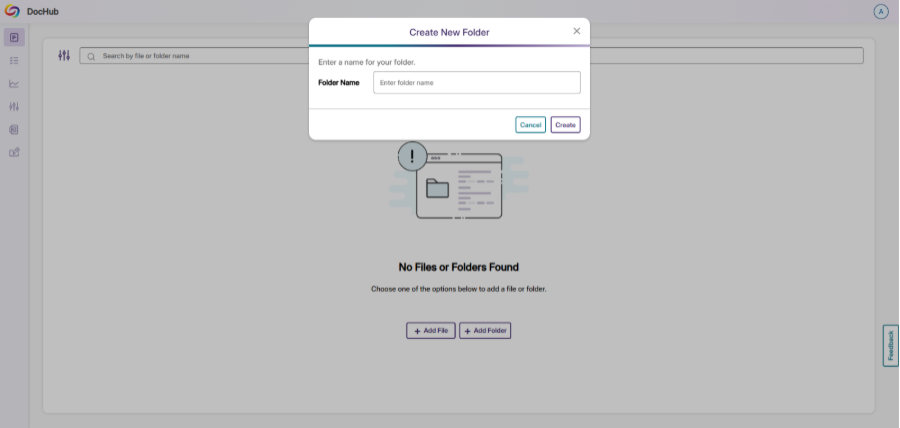
- Once you are logged into DocHub, you will have options to Add a File or Add a Folder.
- Clicking Add File will allow you to choose a file from your computer to upload into DocHub. Once uploaded, the file will appear under Files.
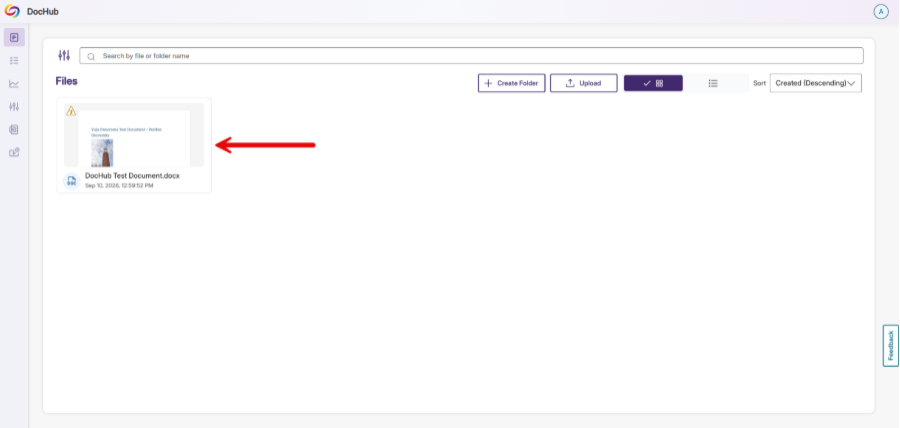
You can switch from icon view to list view by clicking on the icons to the right of the Upload button.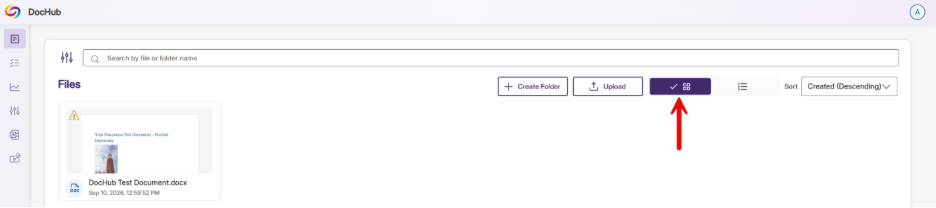

- Clicking Add Folder will allow you to create a folder in your DocHub. You can organize content in DocHub intuitively like you would with any folder organization structure (like in Windows, MacOS, or tools like SharePoint or Google Drive).
- To remediate a file that you have uploaded, click the accessibility indicator icon (in the top left corner of the file in icon view, or to the right of the filename in list view).
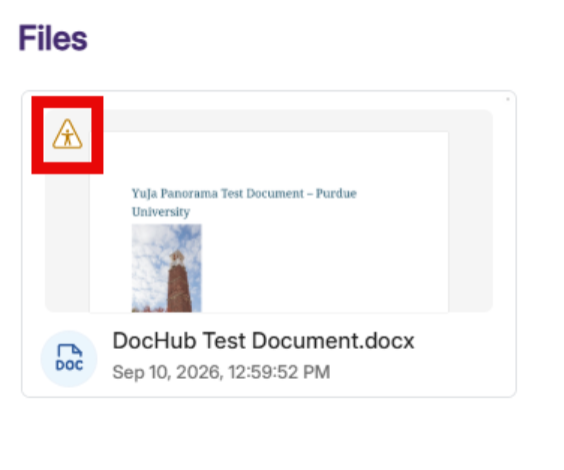
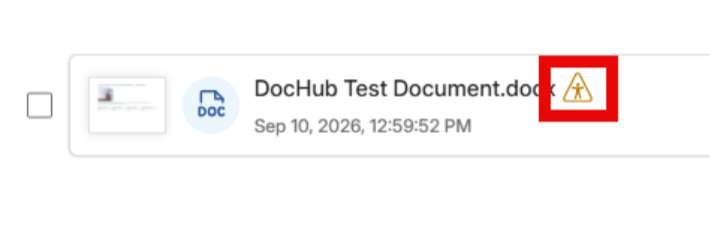
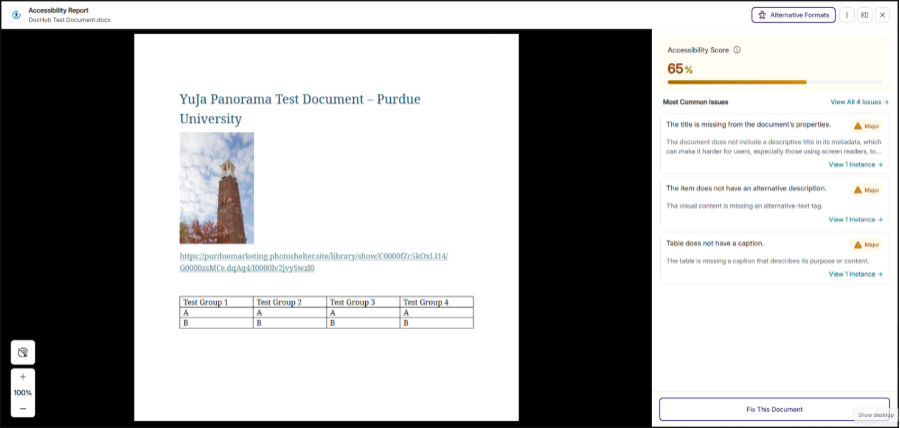
- Clicking the accessibility indicator icon will bring up the Accessibility Report for the file and will allow you to fix accessibilty issues exactly as you would in Panorama in Brightspace.
Downloading Alternative Formats in DocHub
Just like using Panorama in Brightspace, DocHub allows you to download alternative formats of your files.
Note: It is recommended that you fix all accessibility issues in your file before downloading alternative formats.
How to Download Alternative Formats in DocHub
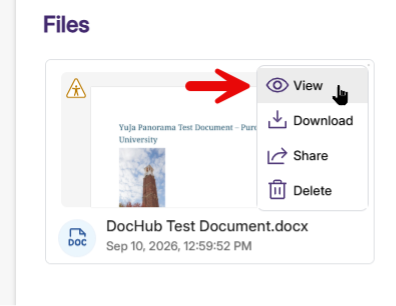
- Hover your mouse cursor over the file and click View
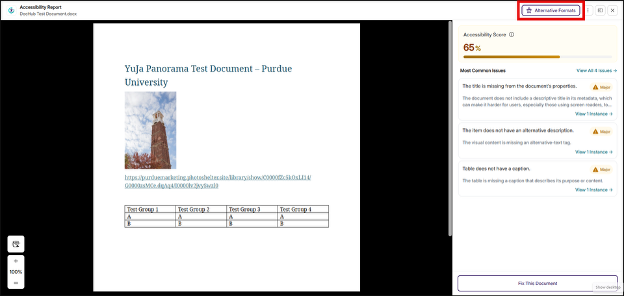
- The Accessibility Report will open. Click Alternative Formats in the top right of the screen.
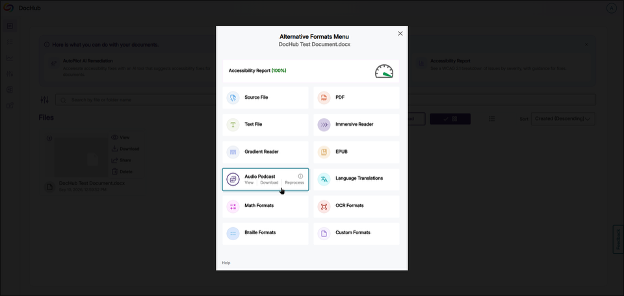
- The Alternative Formats Menu will open. Hover your mouse cursor over the format you wish to download and click Download. If the only option available is Generate, click Generate to process that alternative format.