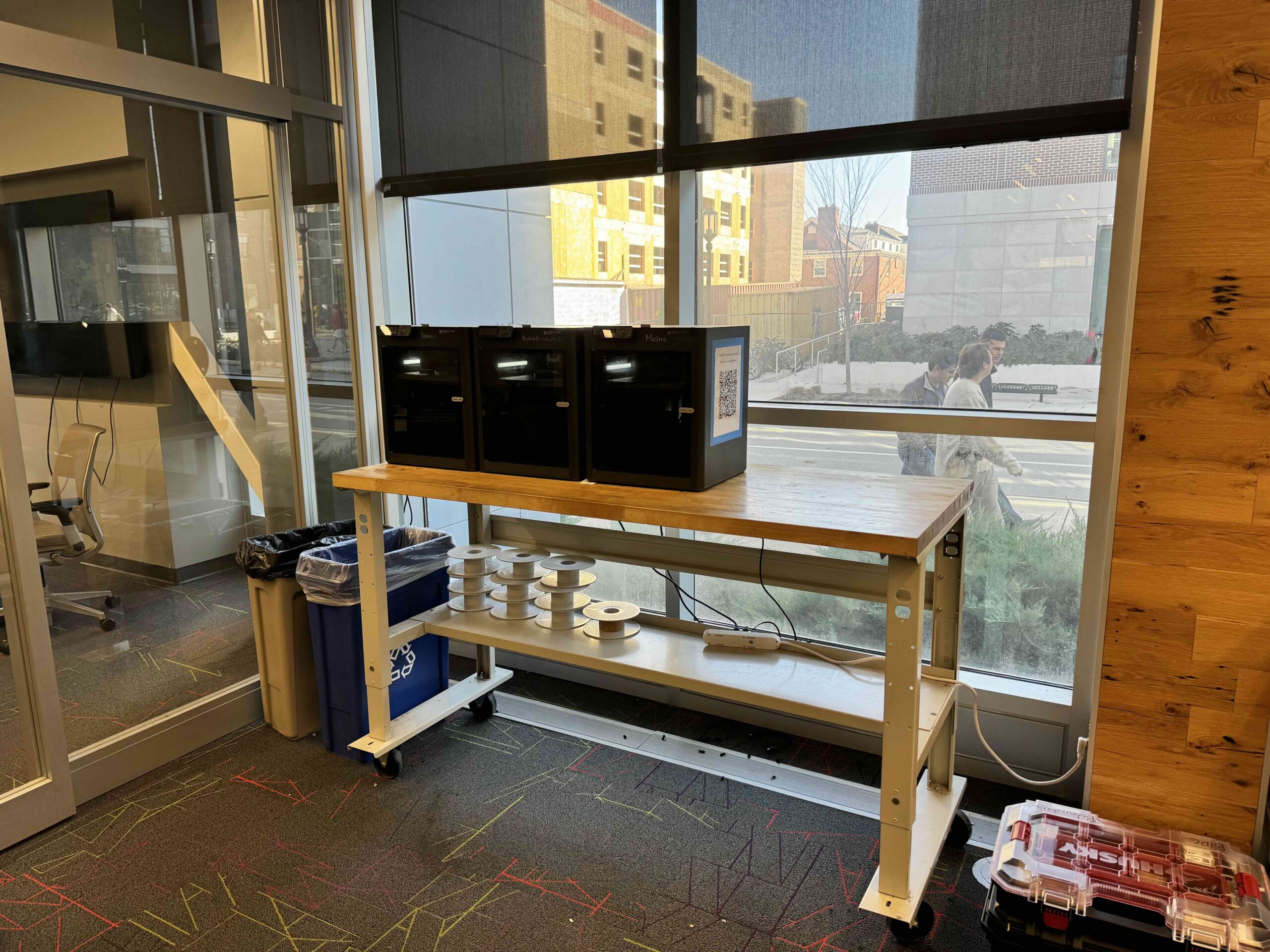
3D Printing
- Prints can only be started during operating hours
- PLA only
- No personal filament
- Self use only
- No loading/unloading filament
- Users new to the Bambu studio, Bambu printers, and Boilermakery must seek training from the Printing and Prototyping lab
- Must follow all posted instructions
- No servicing of printing
- Users must adhere to university policies and the BIDC member agreement
Step 1: Clear all purge lines from print bed
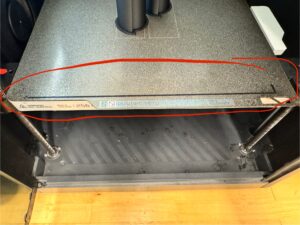
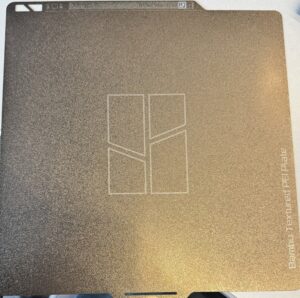
Step 2: Ensure build plate is completely clear and installed correctly with the white label facing you.
Step 3: Upload a *.3mf / *.stl file to the USB drive attached to the table on the right side
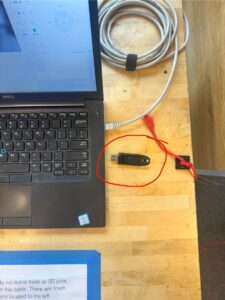
Step 4: When uploaded, connect USB drive to Boilermakery Laptop.
Step 5: Add file onto Bambu Studio slicer.
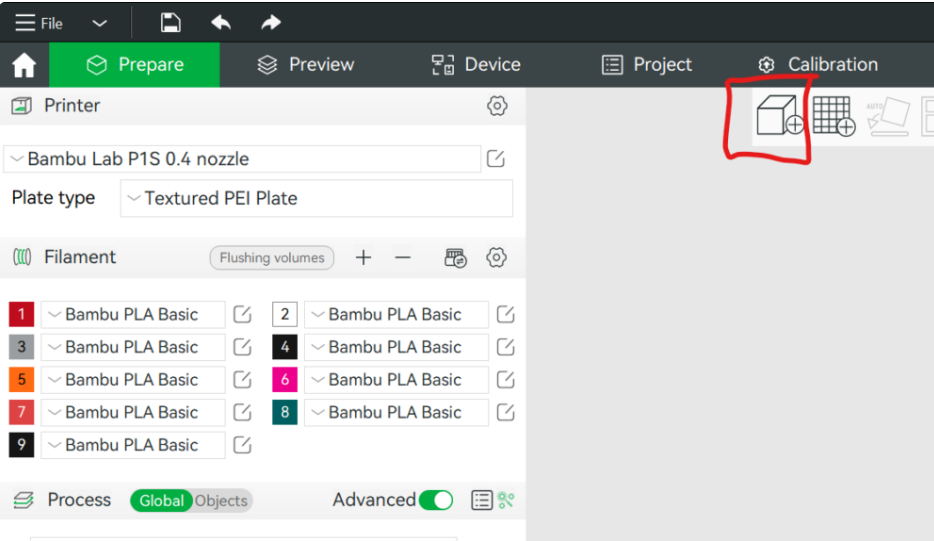
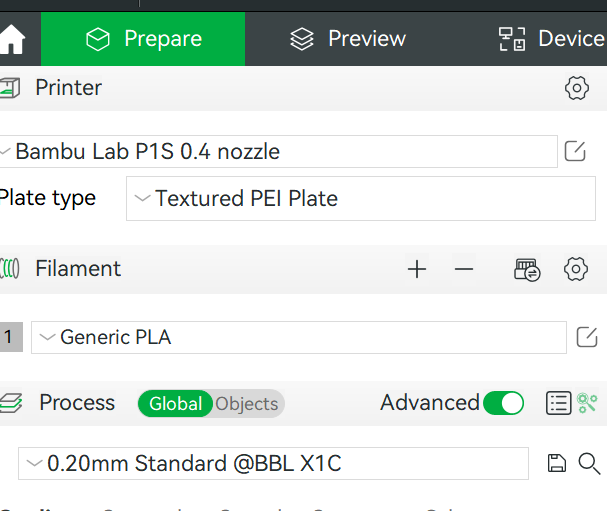
Step 6: Set the following settings:
Printer: Bambu Labs P1S
Nozzle: 0.4mm Nozzle
Filament: Generic PLA
Step 7: Generate any supports if necessary then slice files
Step 8: Navigate to the Devices tab on BambuSlicer
Step 9: Print files and please do not leave prints unattended
Manufacturer: Bambu Labs
Model: P1S
Key Specs:
Build volume: 256 x 256 x 256 mm³
Filament run out sensor