iClicker Cloud Desktop Software in the Classroom
The iClicker Cloud desktop software is installed on all of the instructor stations in the centrally supported classrooms.
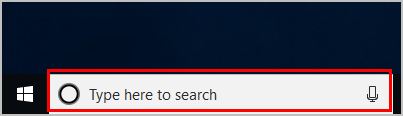
Once you’ve logged into the instructor station, type “iclicker cloud” into the search bar and it will pop up as the first option. When launched from there, a shortcut will be added to your desktop. Please note: When you go to run the iClicker Cloud desktop software, if it asks you to do an upgrade, please select the “Remind me later” option.
Be sure to log into the iClicker Cloud desktop software by using the “Sign in through your campus portal” link that you will see in the lower right hand corner of the screen. You may have to scroll down when it launches to see the sign in area. From there, choose “Purdue University West Lafayette” and then enter your Purdue login and password with Duo authentication.