Skip to content
Purdue University Home Purdue Brand Studio
  • Home
  • Brand
  • Toolbox
  • Digital
  • Productions
  • Impact
  • About
  • Contact Us
Purdue Brand Studio
  • Home
  • Brand
  • Toolbox
  • Digital
  • Productions
  • Impact
  • About
  • Contact Us
Helpful links
  • Our Team
  • Logos & Usage
  • Notable Rankings
  • Purdue Brand Network
  • Request Support
Quick links
  • Brand Guidelines
  • AI Content Guidelines
  • FAQ
  • Compliance
  • Communicator Policies

Digital Style Guide Menu

  • Getting Started
  • Compliance
  • Design & Copy
  • Photo & Video
  • Metadata & Social Media
  • Blocks
  • Getting Started
  • Compliance
  • Design & Copy
  • Photo & Video
  • Metadata & Social Media
  • Blocks
Purdue Brand Studio / Digital / Design and Copy

Design and Copy

Design and copy work together to create a consistent, accessible and engaging Purdue digital presence. This section brings together the core resources you’ll need for copy, typography and color on Purdue websites.

Jump to:
  • Writing
  • Fonts
  • Colors

Resources

Copywriting guides to help your pages sound like Purdue.

AI content guidelines

AI Content Guidelines

Recommends how to use AI responsibly in the creation of marketing and communications content.
Learn More

Editorial Style Guide

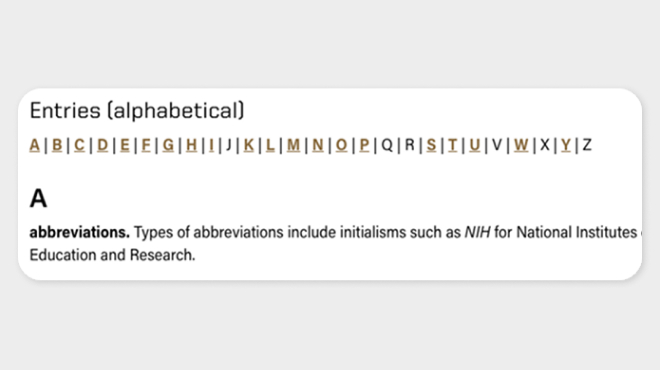
Provides editorial standards for grammar, punctuation, capitalization, spelling and usage.
Learn More

Voice and Tone

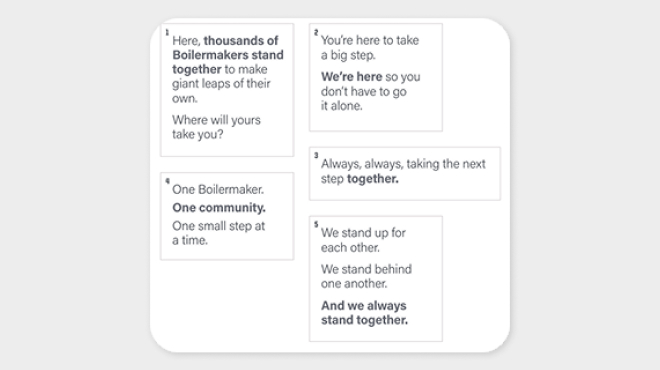
Defines Purdue’s brand voice and explains how to adapt tones for different contexts.
Learn More

Fonts

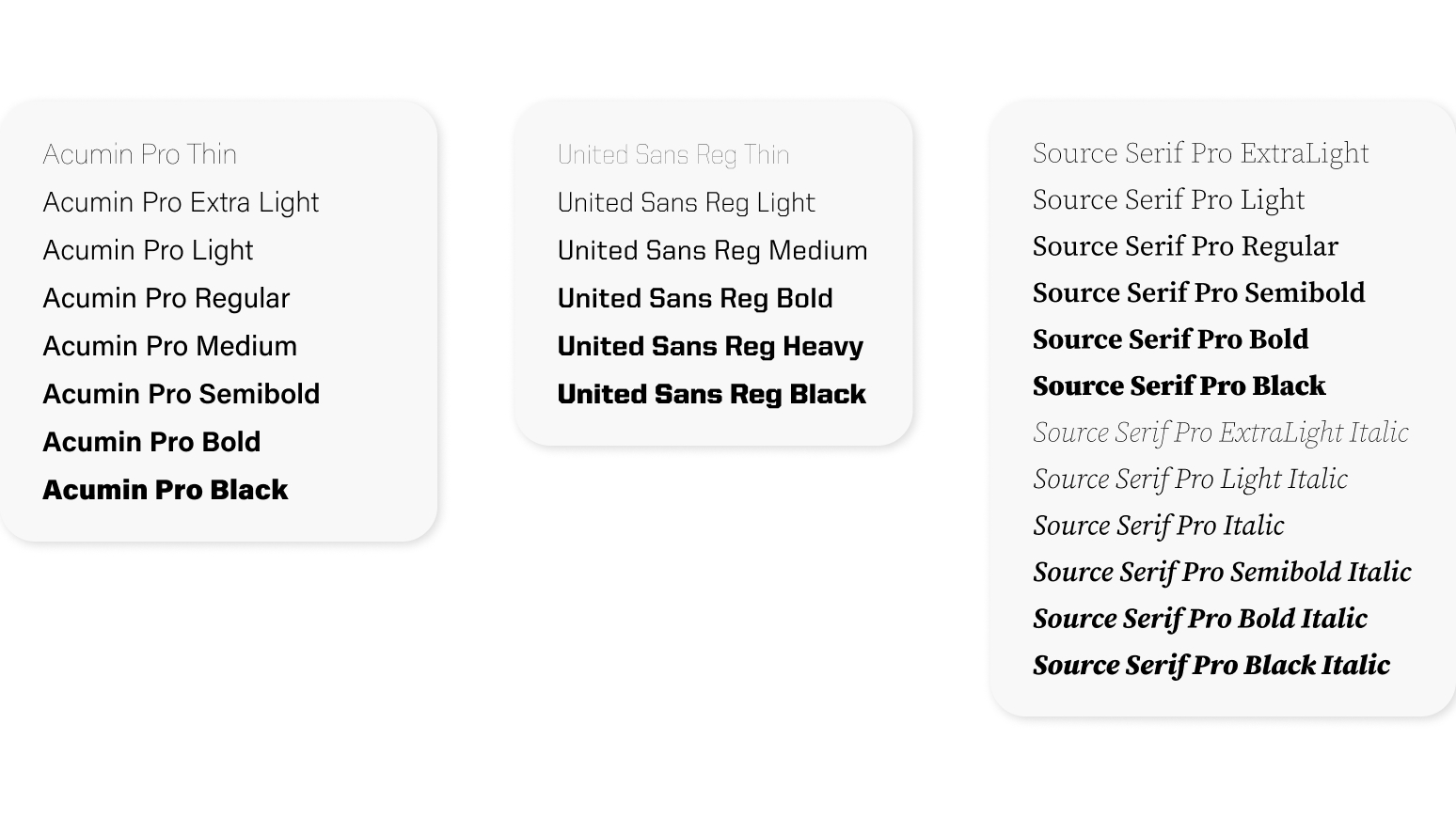
Licensed brand fonts are available for all Purdue-owned domains, with system fallbacks provided when they cannot be used.

  • United Sans — Bold, distinctive sans serif used for headlines, subheads and calls to action. It conveys strength and clarity. 
  • Acumin Pro — Versatile sans serif used for body text, navigation and supporting content. It ensures readability at multiple sizes. 
  • Source Serif Pro — Elevated serif font used for storytelling, long-form content, pull quotes or formal communications. It provides contrast when paired with sans serif fonts. 
  • For a full list of brand fonts, visit the Brand Guidelines. 

When brand fonts are not available, use these system fallbacks: 

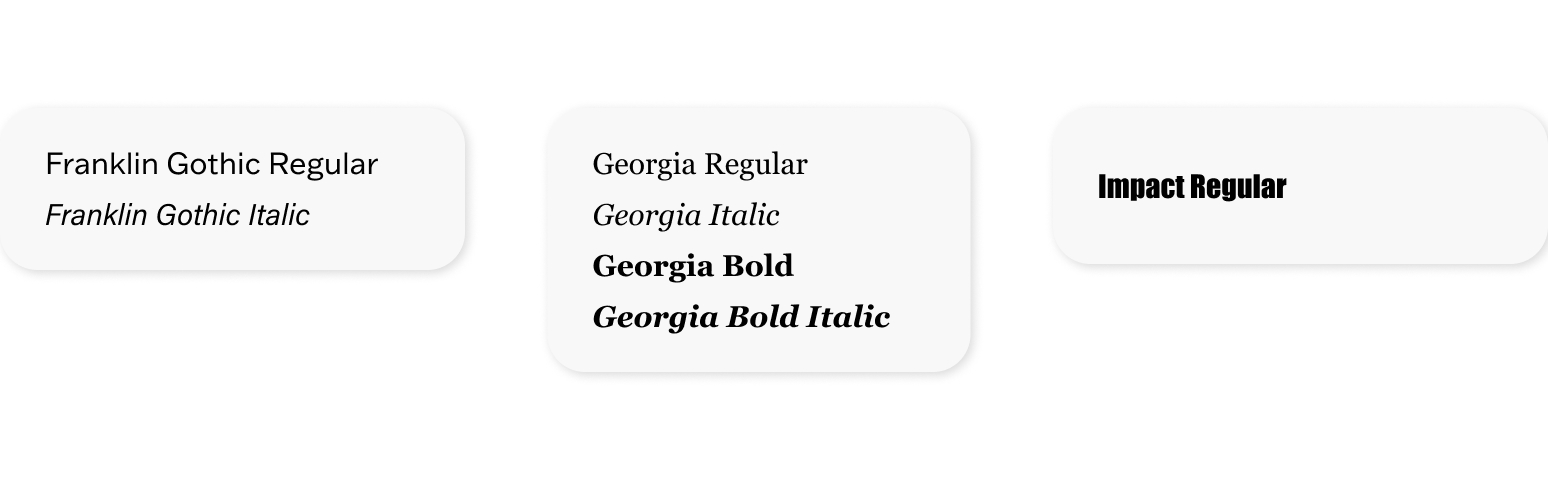
  • Arial and Franklin Gothic — Substitute for United Sans
  • Georgia — Substitute for Source Serif Pro
  • Impact — Use sparingly for emphasis

Acumin Pro and Source Serif Pro 

  • Available through Adobe Creative Cloud
  • Activate directly from your Creative Cloud account — learn how to add fonts in Creative Cloud

United Sans 

Licensed for all Purdue faculty and staff

To install: 

  1. Log in to the Community Hub with your Purdue credentials. 
  2. Select your system (Mac or PC) and add the font to your cart. 
  3. Accept the license agreement and complete checkout. 
  4. You’ll receive an email with a download link. 
  5. PC users: Unzip the file, select fonts, right-click and install. 
  6. Mac users: Unzip the file and import fonts using FontBook. 

For sites not built with Purdue’s standard WordPress or Cascade templates, add the following CSS references to your site’s <head> to load the licensed fonts: 

<link href=”https://www.purdue.edu/purdue/fonts/united-sans/united-sans.css” rel=”stylesheet” /> 

<link href=”https://use.typekit.net/ghc8hdz.css” rel=”stylesheet” /> 

These fonts are licensed for all Purdue-owned domains. If you encounter any issues, submit a digital marketing request to Purdue Brand Studio.

More Details

Colors

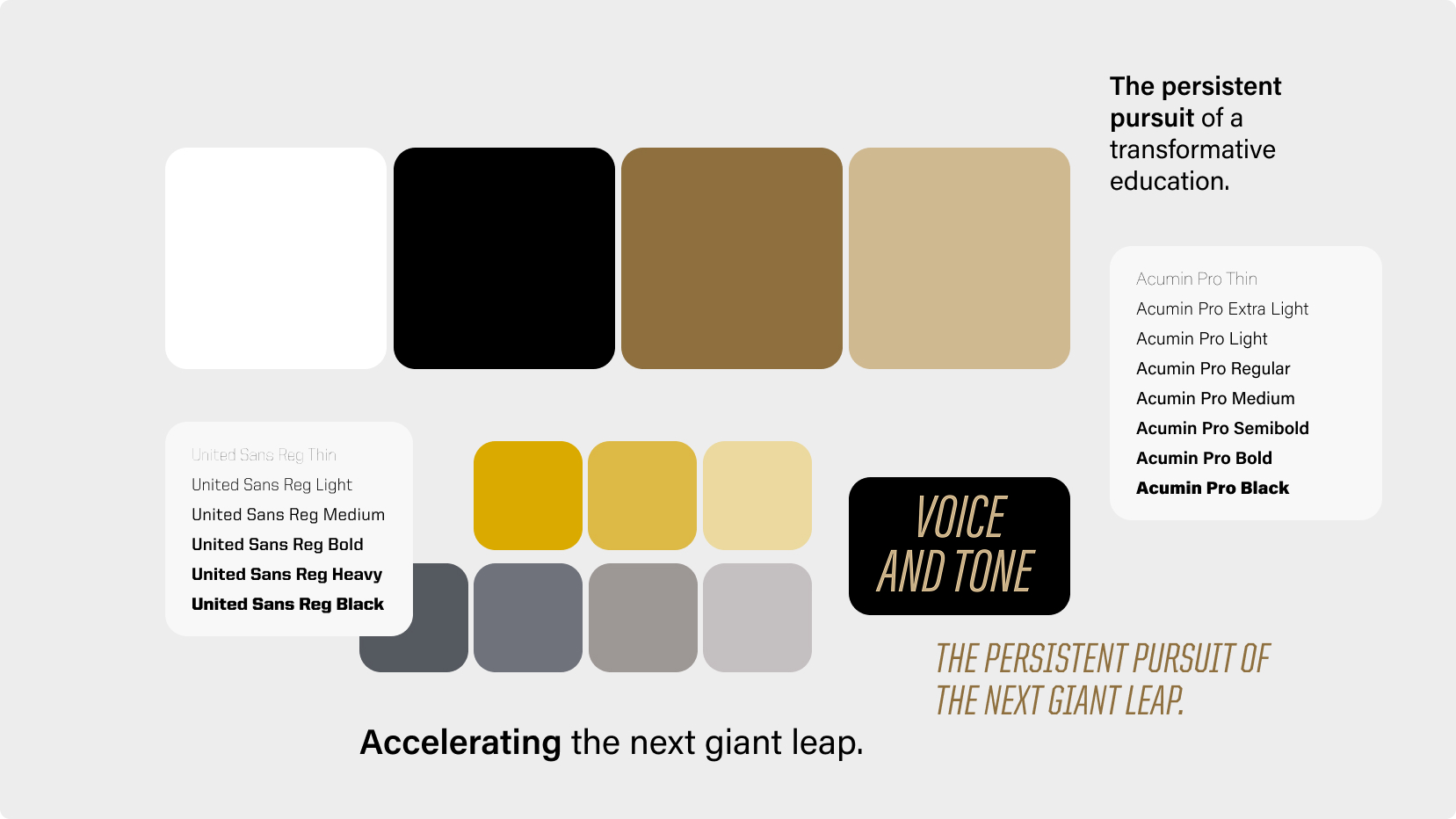
All communications must follow the official brand color palette, which has been optimized for accessibility.

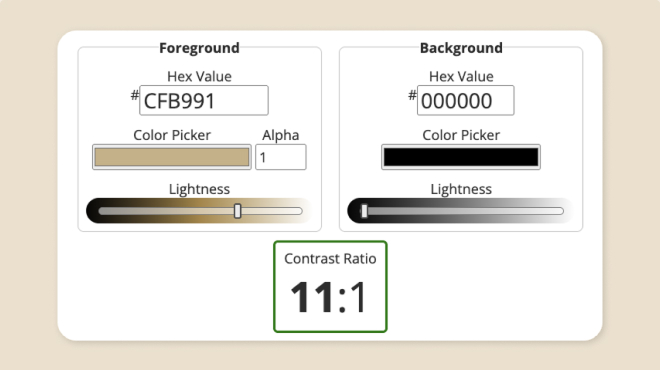
To meet Web Content Accessibility Guidelines (WCAG) standards, color contrast must pass at the AA level. This requires a contrast ratio of at least 4.5:1 for normal text and 3:1 for large text.  

  • Passes AA on light backgrounds 
    • Aged* (RGB 142 111 62, Hex #8E6F3E) 
    • Black (RGB 0 0 0, Hex #000000) 
    • Steel (RGB 85 89 96, Hex #555960) 
    • Cool Gray* (RGB 111 114 123, Hex #6F727B) 
  • Passes AA on dark backgrounds 
    • Boilermaker Gold (RGB 207 185 145, Hex #CFB991) 
    • Rush (RGB 218 170 0, Hex #DAAA00) 
    • Field (RGB 221 185 69, Hex #DDB945) 
    • Dust (RGB 235 217 159, Hex #EBD99F) 
    • Railway Gray (RGB 157 151 149, Hex #9D9795) 
    • Steam (RGB 196 191 192, Hex #C4BFC0) 

*The Aged and Cool Gray formulas have been adjusted for AA normal text compliance. These values differ slightly from Pantone Color Bridge to ensure proper web accessibility (tested using the WebAIM contrast checker). 

Hexadecimal values are derived from the Pantone Color Bridge system to ensure consistent appearance across print and digital formats. 

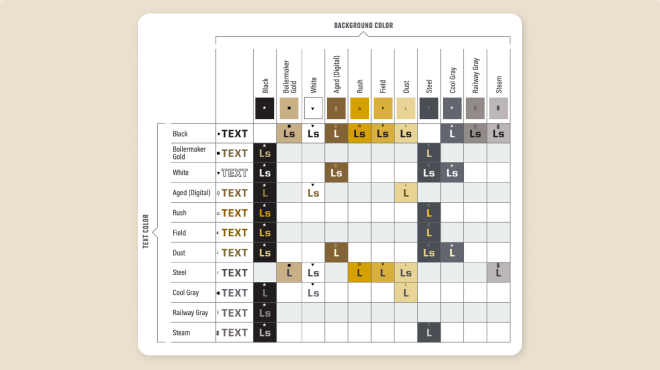
See the Digital Color Matrix on our Accessibility page for contrast-tested combinations and additional implementation guidance. 
Digital Color Matrix

Purdue Logo

Purdue University
610 Purdue Mall
West Lafayette, IN 47907

765-494-4600

Systemwide options

Follow Us

  • Facebook
  • Twitter
  • LinkedIn
  • Instagram
  • Youtube
  • snapchat
Systemwide options

  • West Lafayette Map
  • Careers
  • Center for Healthy Living
  • Colleges and Schools
  • Directory
  • Entrepreneurship and Commercialization
  • Human Resources
  • Libraries

  • Ethics and Compliance
  • Events
  • Give
  • Lost and Found
  • Office of Engagement
  • President
  • Tuition Calculator

  • BoilerConnect
  • Brightspace
  • Current Students
  • Faculty and Staff
  • myPurdue
  • Office 365
  • OneCampus Portal
  • Outlook

  • Annual Security Report
  • Construction
  • Emergency
  • Information Technology
  • Marketing and Communications
  • Purdue News
  • Purdue Hotline
  • Timely Warnings

Last modified: July 17, 2026

Copyright © 2026 Purdue University. All Rights Reserved. Trademark Statement.
Accessibility | EA/EO University | Integrity Statement | Free Expression | College Scorecard (ed.gov) | Privacy Policy | Contact Us